What Is DMARC? Complete Beginner's Guide (2026)
Learn what DMARC is, how it works with SPF and DKIM, and how to check and secure your domain using simple DNS-based email authentication tools
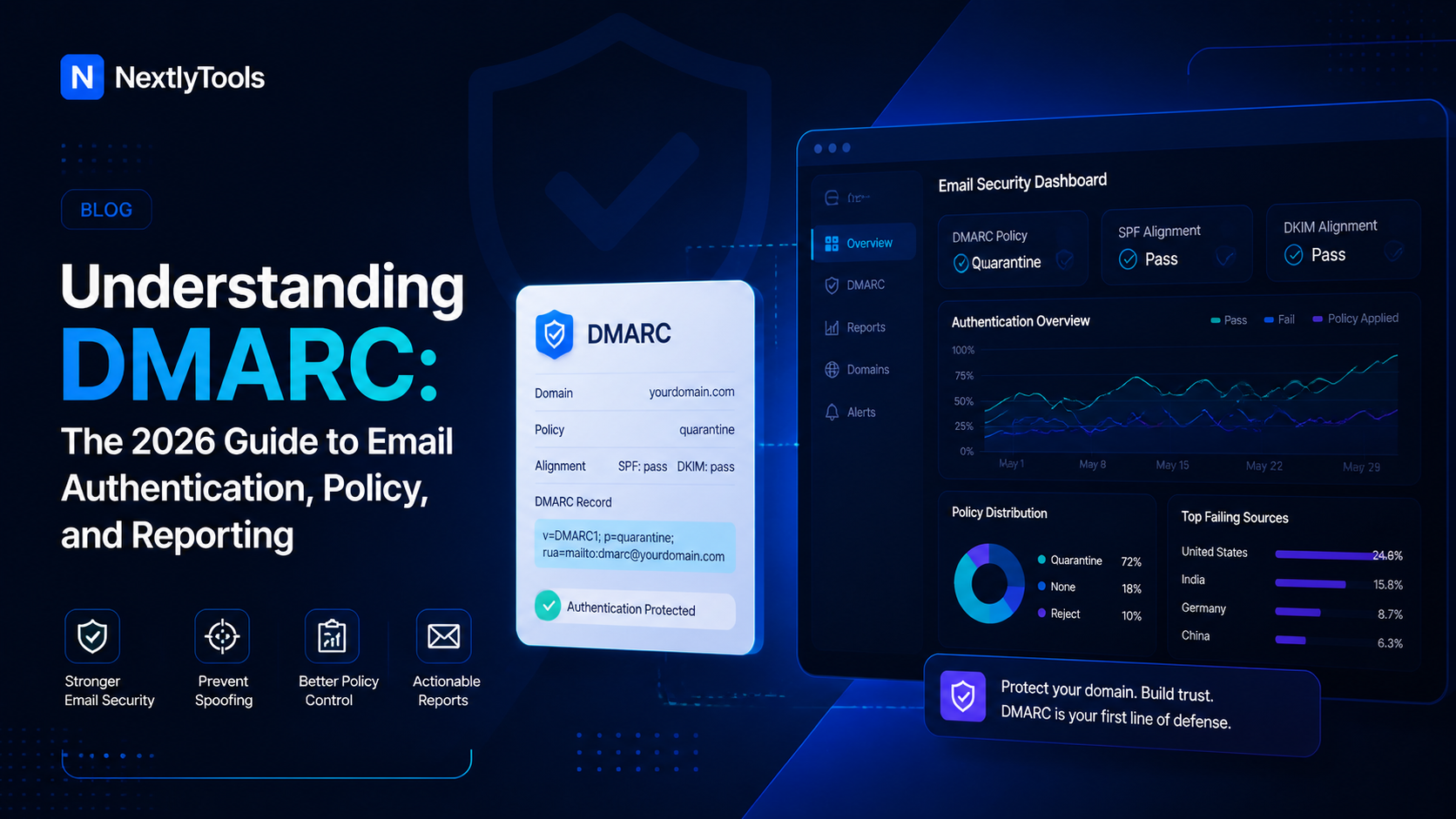
What Is DMARC? (The Simple Answer)
DMARC stands for Domain-based Message Authentication, Reporting, and Conformance. It is an email authentication protocol that tells receiving mail servers what to do when an email claims to come from your domain but fails authentication checks.
In plain terms: DMARC stops other people from sending fake emails pretending to be you.
If you have ever received a phishing email that looked like it came from your bank or a trusted brand, you have seen what happens when a domain has no DMARC protection. DMARC is the standard that prevents that kind of abuse on your own domain.
Quick Tip: Before diving into DMARC, use the free DMARC Lookup Tool at NextlyTools to instantly check whether your domain already has a DMARC record published.
Why Does DMARC Matter in 2026?
Email spoofing and phishing attacks continue to grow. Cybercriminals impersonate trusted domains to trick employees, customers, and partners. Without DMARC, anyone can send an email using your domain name — and most mail servers will deliver it.
The core DMARC benefits include:
- Stops email spoofing: Unauthorized senders are blocked or quarantined.
- Protects brand reputation: Recipients trust emails that come from protected domains.
- Gives you visibility: DMARC sends you reports showing who is sending email on your behalf.
- Improves email deliverability: Major inbox providers like Gmail and Yahoo favor authenticated senders.
- Required by major platforms: Google and Yahoo now require DMARC for bulk senders.
How DMARC Works: The Three-Protocol Stack
DMARC does not work alone. It builds on two other email authentication standards you need to understand first:
1. SPF (Sender Policy Framework)
SPF is a DNS record that lists all the IP addresses and servers authorized to send email for your domain. When a mail server receives an email, it checks whether the sending server's IP is on that approved list.
Want to understand SPF in depth? Read our guide: What Is an SPF Record? and SPF Record Syntax Explained.
You can also check your domain's SPF record with the free SPF Lookup Tool.
2. DKIM (DomainKeys Identified Mail)
DKIM adds a cryptographic signature to every outgoing email. The receiving server verifies this signature using a public key stored in your DNS. If the signature matches, the email is confirmed as genuine.
Read more in our full guide: What Is DKIM in Email? DNS Record Example & How It Works.
Check your domain's DKIM record using the DKIM Lookup Tool.
3. DMARC (The Policy Layer)
DMARC sits on top of SPF and DKIM. It checks whether at least one of them passes and whether the domain in those checks matches the domain in the "From" address — a concept called alignment.
If both checks fail, DMARC instructs the receiving server to take action: do nothing (none), send the message to spam (quarantine), or reject it entirely (reject).
The DMARC Authentication Flow (Step by Step)
Here is exactly what happens when someone receives an email from your domain:
- Email arrives at the recipient's mail server.
- The server looks up your DMARC record in DNS at
_dmarc.yourdomain.com. - It runs SPF check — does the sending IP match your SPF record?
- It runs DKIM check — does the DKIM signature verify correctly?
- It checks alignment — does the domain in SPF/DKIM match your From domain?
- Based on your DMARC policy, the server decides what to do if checks fail.
- The server sends you a DMARC report (if you configured a reporting address).
DMARC vs SPF vs DKIM: What Is the Difference?
Many people confuse these three protocols. Here is a simple comparison:
SPF = Verifies the sending server's IP address ==> DNS TXT record
DKIM = Verifies email content via cryptographic signature ==> DNS TXT record
DMARC = Sets policy for failures + enables reporting ==> DNS TXT record
The key insight: SPF and DKIM authenticate the technical sending path. DMARC authenticates the visible "From" address your recipients actually see. This is why you need all three.
For a deeper look at DNS records in general, visit our guide: Understanding DNS Records. You can also explore all DNS record types with the DNS Records Checker.
What Does a DMARC Record Look Like?
A DMARC record is a DNS TXT record published at _dmarc.yourdomain.com. Here is the simplest valid DMARC record:
v=DMARC1; p=none; rua=mailto:dmarc-reports@yourdomain.comBreaking it down:
v=DMARC1— Identifies this as a DMARC record (required).p=none— The policy: do not take action on failures, just monitor.rua=mailto:— Where to send aggregate reports.
This is a monitoring-only record — the safest starting point for new domains. It collects data without risking legitimate mail delivery.
The Three DMARC Policies Explained
p=none (Monitor Mode)
The mail server takes no action on failing emails. They are still delivered normally. You receive reports telling you what is passing and failing. This is where every new domain should start.
Use when: You are just getting started and want to understand your email traffic before enforcing anything.
p=quarantine (Soft Enforcement)
Emails that fail DMARC are sent to the recipient's spam or junk folder instead of the inbox. Legitimate email still gets through (to spam), so failures are visible but not catastrophic.
Use when: You have reviewed your reports, fixed legitimate senders, and are ready to take action.
p=reject (Full Enforcement)
Emails that fail DMARC are rejected outright — they never reach the recipient at all. This is the strongest protection and the goal of every properly configured domain.
Use when: You are confident all your legitimate sending sources are authenticated and passing.
Who Sends DMARC Reports?
When you include a rua= address in your DMARC record, major email providers like Gmail, Yahoo, Microsoft, and others will send you daily XML reports. These reports show:
- Which IP addresses sent email claiming to be your domain
- Whether SPF and DKIM passed or failed for each source
- How many messages were sent from each source
- Whether your domain policy was applied
You can look up your existing TXT records (including DMARC) with the TXT Lookup Tool.
Does My Domain Need DMARC?
Yes — whether you send email or not. Here is why:
If you send email: DMARC protects your recipients, improves deliverability, and gives you visibility into who is using your domain to send messages.
If you do NOT send email: Your domain is actually at higher risk of abuse, because attackers often target unused or low-profile domains. A DMARC record with p=reject on a non-sending domain provides strong protection with zero risk to legitimate email.
A common question is "is a dmarc record necessary?" — the answer is yes for any domain you care about protecting.
Common DMARC Terms You Need to Know
Alignment = The From domain must match the domain verified by SPF or DKIM
RUA = Reporting URI for Aggregate reports — where summary reports are sent
RUF = Reporting URI for Forensic/failure reports — where individual failure reports are sent
PCT = Percentage of failing mail the policy applies to (default: 100)
SP = Subdomain policy — separate policy for subdomains
FO = Failure options — when to generate forensic reports
ADKIM = DKIM alignment mode (relaxed or strict)
ASPF = SPF alignment mode (relaxed or strict)
DMARC and Your DNS: Where Does It Live?
DMARC records are published in DNS as TXT records. The record name (host) is always _dmarc prefixed to your domain. For example:
- For
example.com→ publish at_dmarc.example.com - For
mail.example.com→ publish at_dmarc.mail.example.com
You can view your domain's existing DNS records and verify DMARC is publishing correctly using our full DNS Records Checker. For nameserver information, use the NS Lookup Tool.
DMARC Setup: The Right Order of Operations
Getting DMARC right means doing things in the correct order. Rushing to p=reject before your SPF and DKIM are properly configured will block legitimate mail.
Follow these steps:
- Set up SPF for your domain — Check your SPF record
- Set up DKIM for your domain — Check your DKIM record
- Publish a DMARC record with
p=noneand arua=reporting address - Monitor reports for 2–4 weeks to identify all legitimate sending sources
- Fix any failing legitimate senders (update SPF, enable DKIM)
- Move to
p=quarantineat a low PCT percentage - Gradually increase enforcement until you reach
p=reject; pct=100
Frequently Asked Questions
What does DMARC stand for?
DMARC stands for Domain-based Message Authentication, Reporting, and Conformance.
Does DMARC replace SPF and DKIM?
No. DMARC requires at least one of SPF or DKIM to function. It is a policy layer on top of them, not a replacement.
How long does DMARC take to update?
DNS changes typically propagate within a few minutes to a few hours, though full global propagation can take up to 48 hours. Use the DNS Records Checker to verify your record is live.
Can I have multiple DMARC records?
No. You can only publish one DMARC record per domain. Multiple records will cause a DMARC permerror.
Is DMARC free?
Publishing a DMARC DNS record is completely free. Some third-party DMARC report analyzers charge for advanced features, but the protocol itself costs nothing.
Do I need DMARC for subdomains?
Your root domain DMARC record applies to subdomains by default (at a relaxed policy level). You can set a separate subdomain policy using the sp= tag.
Next Steps
Now that you understand what DMARC is and why it matters, here is where to go next:
- Check your domain right now → DMARC Lookup Tool
- Understand the full syntax → DMARC Record Syntax Explained (With Real Examples) (coming next in this series)
- Troubleshoot failures → DMARC Fail Explained: Causes, Examples & Fixes (coming next in this series)
- Learn about SPF errors → SPF Permerror: What It Means and How to Fix It
- Explore all DNS tools → NextlyTools DNS Toolkit
Last updated: 2026 | Category: Email Authentication