How DMARC Protects Your Domain
DMARC tells receiving mail servers what to do when an email fails authentication. Learn how it works, what the three policy levels mean, and how to protect your domain step by step.
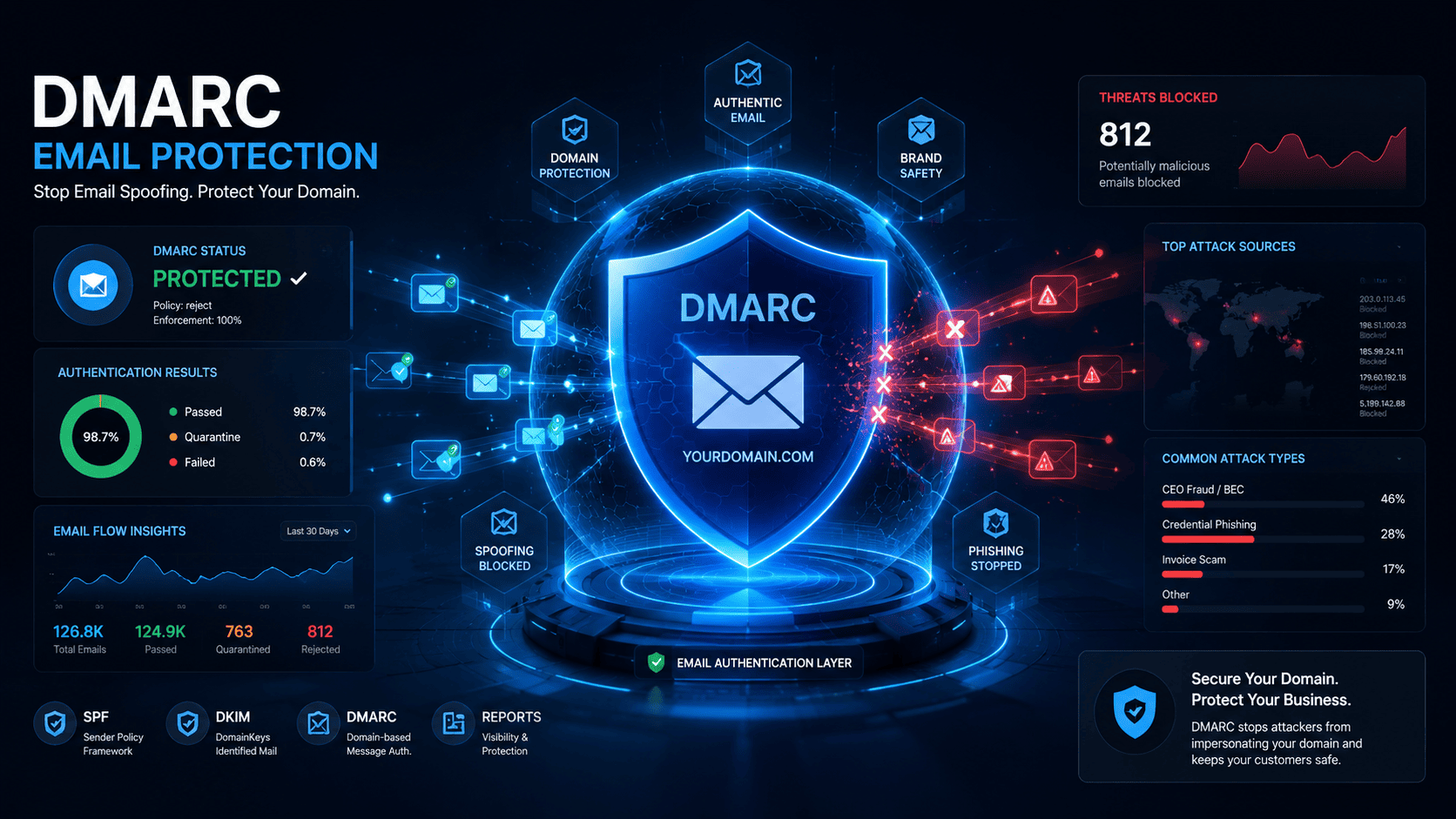
How DMARC Protects Your Domain From Email Fraud
Every day, thousands of businesses have their domain used in phishing attacks — and most of them never set up a single DNS record to stop it.
DMARC is the fix. It is one of the most powerful and underused tools in email security. And yet, setting it up correctly can take less than an hour.
This guide explains exactly how DMARC protects your domain, what happens when it fails, and how to use it to lock down your email reputation permanently.
Key Takeaways
- DMARC stands for Domain-based Message Authentication, Reporting, and Conformance
- It tells receiving mail servers what to do when an email fails authentication
- DMARC works by combining SPF and DKIM checks
- Without DMARC, anyone can send email pretending to be your domain
- DMARC has three policy levels: none, quarantine, and reject
- It generates reports that show you who is sending email using your domain
What Is DMARC?
DMARC is an email authentication protocol defined in RFC 7489. It builds on top of two older standards — SPF and DKIM — and adds a policy layer that tells receiving mail servers what to do with messages that fail those checks.
Think of SPF and DKIM as ID cards. DMARC is the security guard who decides what happens when someone shows a fake ID.
Without DMARC, a mail server might still deliver a message even if SPF or DKIM fails. With DMARC, you set the rules: deliver, quarantine, or reject.
Definition: DMARC = a DNS record that instructs receiving mail servers how to handle emails that fail SPF or DKIM authentication for your domain.
For a full primer, read our guide on what DMARC is and how it works.
The Problem DMARC Solves
Before DMARC existed, email had a fundamental design flaw: anyone could send an email claiming to be from any domain.
This is called email spoofing — and it is the foundation of most phishing attacks, business email compromise (BEC) scams, and brand impersonation attempts.
Here is what a spoofed email attack looks like without DMARC:
- An attacker registers a throwaway server
- They send an email with
From: support@yourbrand.com - The recipient's mail server has no way to verify this
- The email lands in the inbox looking completely legitimate
- The recipient clicks a malicious link or hands over credentials
DMARC breaks this chain entirely — but only if it is set up correctly.
Learn more about how email spoofing works and why it is so easy without proper authentication in place.
How DMARC Works Step by Step
Step 1: You Publish a DMARC Record in DNS
A DMARC record is a TXT record added to your domain's DNS under:
_dmarc.yourdomain.comA basic DMARC record looks like this:
v=DMARC1; p=quarantine; rua=mailto:dmarc@yourdomain.com;Step 2: You Send an Email
When your mail server sends an email, it also applies SPF and DKIM to that message. These checks create a trail that receiving servers can verify.
Step 3: The Receiving Server Checks Authentication
When the email arrives at Gmail, Outlook, or any other mail server, the server:
- Checks SPF — is this server allowed to send for your domain?
- Checks DKIM — is the email signed with a valid key?
- Checks DMARC alignment — does the authenticated domain match the From header?
Step 4: DMARC Alignment Is Checked
This is the part most people miss. DMARC does not just check if SPF or DKIM passed — it checks if they align with the domain in the From: header.
SPF alignment: The domain in the Return-Path header must match the From domain.
DKIM alignment: The d= value in the DKIM signature must match the From domain.
If either alignment check passes, DMARC passes. If both fail, DMARC fails.
Step 5: The DMARC Policy Is Applied
Based on the result, the receiving server applies your DMARC policy:
| Policy | What Happens |
|---|---|
p=none |
Email is delivered. Failures are only reported. |
p=quarantine |
Failing emails go to the spam/junk folder. |
p=reject |
Failing emails are blocked and never delivered. |
Step 6: You Receive DMARC Reports
If you included an rua= address in your record, you receive daily aggregate reports showing which servers sent email claiming to be your domain, and whether they passed or failed.
Understanding DMARC Alignment
Alignment is the most misunderstood part of DMARC. Let's break it down clearly.
Strict vs Relaxed Alignment
| Mode | SPF | DKIM |
|---|---|---|
| Relaxed (default) | Subdomain match is OK | Subdomain match is OK |
| Strict | Exact domain match required | Exact domain match required |
Example of relaxed alignment passing:
- From:
support@brand.com - DKIM
d=mail.brand.com - Result: PASS (subdomain matches)
Example of strict alignment failing:
- From:
support@brand.com - DKIM
d=mail.brand.com - Result: FAIL (subdomain does not equal root domain)
For most businesses, relaxed alignment is the right choice.
DMARC Policy Levels Explained
p=none (Monitor Mode)
This is where everyone should start. Your emails are delivered normally, but DMARC generates reports so you can see who is sending on behalf of your domain.
Use this when: You are just getting started and need to understand your email sending landscape before enforcing anything.
⚠️ Warning: Many domains stay on
p=noneforever. This gives zero protection. It is only a starting point.
p=quarantine (Soft Enforcement)
Emails that fail DMARC alignment go to the spam or junk folder instead of the inbox. Legitimate emails from authorized senders are unaffected.
Use this when: You have reviewed your DMARC reports and are confident your legitimate senders are properly authenticated.
p=reject (Full Protection)
This is the goal. Emails that fail DMARC are rejected entirely — they never reach the recipient's inbox at all.
Use this when: You have been running quarantine for several weeks and no legitimate emails are failing.
✅ Expert Tip: Google Workspace and Microsoft 365 both recommend reaching
p=rejectfor full domain protection. Organizations that send bulk email to Gmail must have DMARC in place as of Google's 2024 sender requirements.
What Is a DMARC Report?
DMARC generates two types of reports:
Aggregate Reports (RUA)
Sent daily (or as configured) as an XML file to the address in your rua= tag. These show:
- Which IP addresses sent email for your domain
- Whether SPF and DKIM passed or failed
- How many messages were affected
- What policy was applied
Forensic Reports (RUF)
Sent in real time when a message fails DMARC. These are more detailed but many providers have stopped sending them due to privacy concerns.
How to read DMARC reports: The XML is not human-readable by default. Use a tool like DMARC Lookup to check your record is valid, or a DMARC analyzer to parse incoming reports.
Real-World Example: DMARC Blocking a Phishing Attack
Scenario: A cybercriminal sends phishing emails pretending to be invoices@acmecorp.com — a real company.
Without DMARC:
- The email passes through with no authentication
- Recipients see a trusted From address
- Many click the link and enter credentials
With DMARC at p=reject:
- The attacker's server is not listed in ACME Corp's SPF record
- The email has no valid DKIM signature from acmecorp.com
- DMARC alignment fails on both checks
- The receiving server rejects the email — it never arrives
- ACME Corp's DMARC report shows the attack attempt
This is exactly how DMARC stops domain impersonation at scale.
Technical Breakdown: DMARC Record Syntax
v=DMARC1; p=reject; rua=mailto:reports@yourdomain.com; ruf=mailto:forensic@yourdomain.com; sp=reject; adkim=r; aspf=r; pct=100;| Tag | Meaning | Example |
|---|---|---|
v= |
DMARC version (always DMARC1) | v=DMARC1 |
p= |
Policy for the domain | p=reject |
sp= |
Policy for subdomains | sp=quarantine |
rua= |
Aggregate report destination | rua=mailto:dmarc@domain.com |
ruf= |
Forensic report destination | ruf=mailto:forensic@domain.com |
adkim= |
DKIM alignment mode | adkim=r (relaxed) |
aspf= |
SPF alignment mode | aspf=r (relaxed) |
pct= |
% of messages the policy applies to | pct=100 |
For a full breakdown of every DMARC tag and value, see our guide to DMARC record syntax.
Common Mistakes When Setting Up DMARC
1. Staying on p=none Forever
p=none provides zero protection. It is a monitoring mode only. Many businesses set it up and forget it, thinking they are protected. They are not.
2. Not Fixing SPF and DKIM First
DMARC only works if SPF and DKIM are set up correctly. Jumping to p=reject without fixing authentication first will cause legitimate emails to be rejected.
3. Missing Subdomain Policy
If you send email from subdomains like newsletter.brand.com or support.brand.com, you need an sp= tag or a separate DMARC record for each subdomain.
4. Setting pct= Too Low
Using pct=10 means only 10% of failing emails are affected by your policy. This is fine for testing but must be raised to 100 for real protection.
5. Ignoring DMARC Reports
Reports tell you when legitimate services are failing authentication. Ignoring them means you will break email from tools like Mailchimp, HubSpot, or Zendesk when you enforce a strict policy.
Best Practices for DMARC Deployment
- Start with
p=noneand collect at least 2–4 weeks of reports - Audit your sending sources — find every service that sends email from your domain
- Fix SPF and DKIM for each sending source
- Move to
p=quarantineand monitor for 2–4 more weeks - Escalate to
p=rejectonce you confirm all legitimate senders are passing - Set
sp=rejectto protect subdomains too - Keep your
rua=address active so you always know what is happening
Security Risks of Not Having DMARC
| Risk | Impact |
|---|---|
| Brand impersonation | Customers receive fake emails from your domain |
| Phishing attacks | Your domain is used in credential theft campaigns |
| BEC fraud | Finance teams tricked into wire transfers |
| Blacklisting | Your domain reputation damaged by spoofed spam |
| Regulatory penalties | GDPR/compliance risks from data breaches caused by phishing |
According to DMARC.org, domains with p=reject block over 99% of spoofing attempts.
Troubleshooting DMARC Failures
"DMARC Fail" on Legitimate Emails
Cause: A third-party sending service is not properly authenticated.
Fix: Add the service's sending IPs to your SPF record and ensure DKIM is configured in their platform.
DMARC Passes But Emails Go to Spam
Cause: DMARC passing does not guarantee inbox placement. Reputation, content, and engagement also matter.
Fix: Check your domain reputation with tools like Postmaster Tools (Google) and review your sending practices.
Reports Are Not Arriving
Cause: The rua= email address is wrong or the mailbox is blocking automated reports.
Fix: Verify the address in your DMARC record and check your spam folder.
For a full breakdown of why DMARC fails and how to fix each cause, read DMARC fail explained.
Quick Answers
What does DMARC do? It tells receiving mail servers what to do when an email fails SPF or DKIM authentication — deliver, quarantine, or reject — and sends reports back to the domain owner.
Does DMARC stop all phishing? No. It stops phishing that uses your exact domain. It does not block look-alike domains (e.g. acmec0rp.com) or display name spoofing.
What is the difference between p=quarantine and p=reject? p=quarantine sends failing emails to the spam folder. p=reject blocks them entirely — they are never delivered.
Can DMARC break my email? Yes, if set up incorrectly. If legitimate senders are not authenticated before you enforce p=reject, their emails will be rejected. Always start with p=none and audit first.
Do I need DMARC if I already have SPF and DKIM? Yes. SPF and DKIM alone do not tell receiving servers what to do when they fail. DMARC adds the enforcement layer and the reporting.
How long does it take to set up DMARC? Publishing the record takes minutes. Moving safely to p=reject typically takes 4–8 weeks to audit senders and fix authentication issues.
What is DMARC alignment? Alignment means the domain in the From header must match the domain verified by SPF or DKIM. Without it, DMARC fails even if SPF and DKIM individually pass.
Is DMARC required? As of 2024, Google and Yahoo require bulk senders to have at least p=none. For real protection, p=reject is the goal.
Conclusion
DMARC is not optional if you care about your domain's reputation and your customers' safety. Without it, your domain is an open invitation for attackers to impersonate you.
The path is simple: start monitoring with p=none, audit your senders, fix authentication, then enforce with p=reject. Done correctly, DMARC makes it virtually impossible for anyone to send a convincing phishing email from your domain.
Check Your DMARC Record
Use our free DMARC Lookup Tool to instantly check your DMARC record and see if your domain is protected. Not sure about your full DNS setup? Run a complete DNS Records Check to review everything in one place. New to DNS? Start with our guide to understanding DNS records.